Note 01
It's imagined movement, not footage
The clip imagines how a still face might breathe and blink. It isn't a recording of that moment, and you agree not to share it as if it were.
Restore Old Photos / Animate old photos
Turn an old portrait into a 5-second silent clip: a slow breath, a blink, a turn of the head, with the camera still. No talking, no lip sync, and every clip is labelled as an AI animation.
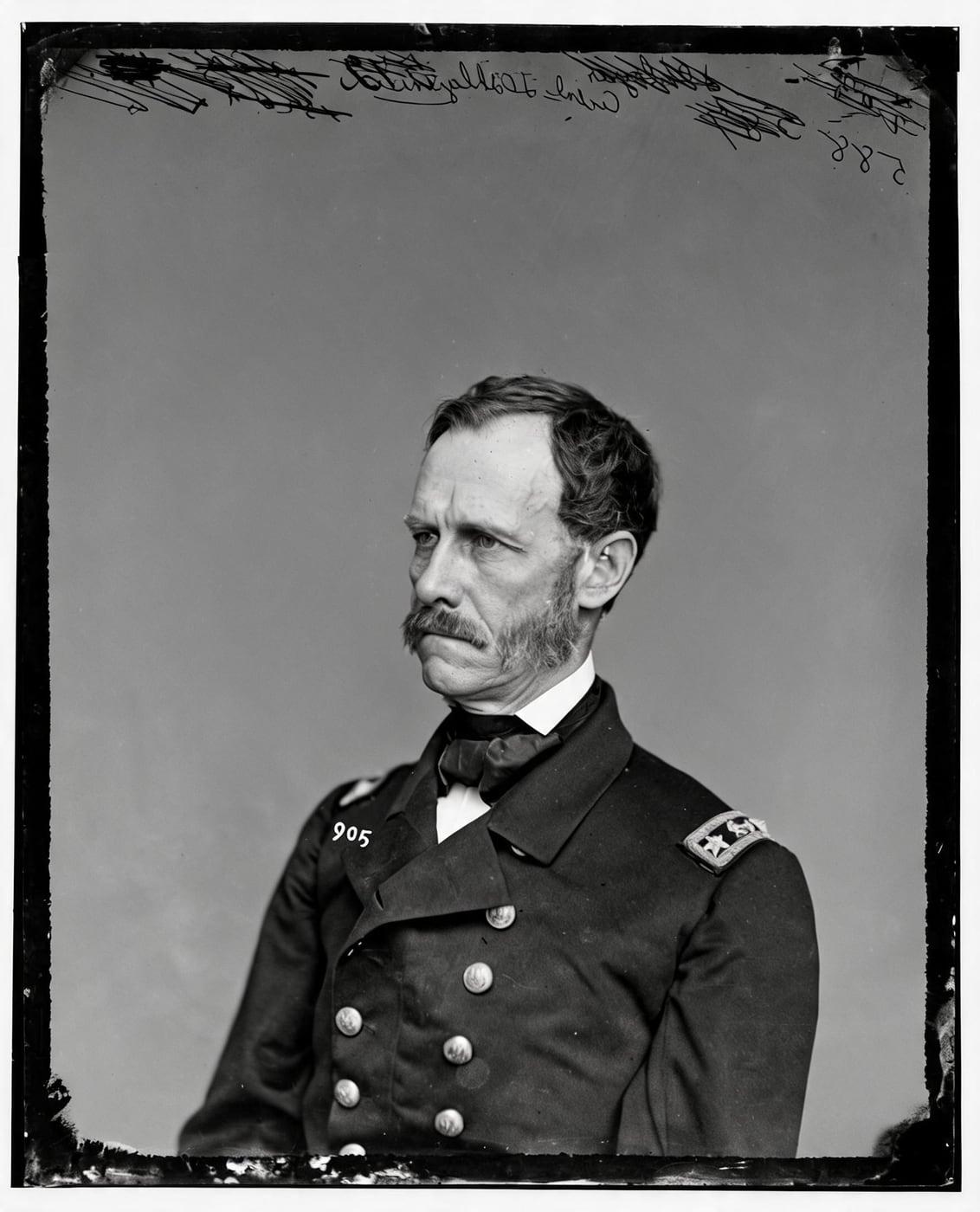
Press play. The motion is deliberately small: a breath, a blink, a slight turn of the head, with the expression the photo already has. Big movement, grins and talking are what make animated photos feel uncanny, so we don't do them.
Start from your best copy. If the portrait is scratched or faded, restore it first: from any result you've kept, you can animate it in one click.
Animate my photoThree steps, 4 credits.
Step 1 of 3
Clear faces looking toward the camera work best. A group photo works too, but small faces move less convincingly.
Step 2 of 3
The people breathe, blink and turn their head slightly for 5 seconds, keeping their own expression. The camera stays still, nobody speaks, and the photo's tones are kept.
Step 3 of 3
When the clip is ready, play it in your browser and download it. A clip that fails is refunded automatically.
Labelled as AIAn animated photo can be lovely, and it can also be a lot. Here is what to expect.
Note 01
The clip imagines how a still face might breathe and blink. It isn't a recording of that moment, and you agree not to share it as if it were.
Note 02
Side profiles, tiny faces in a crowd and heavily damaged faces can give strange motion. Restore first and pick a clear portrait.
Note 03
For some people, seeing a lost relative move is a gift; for others it's unsettling. Ask before you share a clip of someone else's family.
An animated clip uses 4 credits. Packs start at $2.99, never renew, and their credits never expire.
Pack 01
Starter
A few favourite photos, restored and colorized.
$2.99one-time
60¢ a photo
Most chosen
Pack 02
Family
An album's best photos, with a clip of the one you love most.
$7.99one-time
44¢ a photo
Pack 03
Archive
For the shoebox in the attic and the family historian.
$19.99one-time
40¢ a photo
One-time payments in US dollars. Compare credit packs and monthly plans
It makes a 5-second silent clip in which the people breathe, blink and turn their head slightly, keeping the expression they have in the photo. The camera stays still, nobody talks, and the photo's tones are kept. It uses 4 credits.
A clip costs much more to make than a photo, so an animation uses 4 credits instead of 1. A clip that fails is refunded like any other result.
Share it, but not as real footage. When you animate a photo you agree not to present the clip as a recording, and every clip is labelled as an AI animation.
Yes, if you have the right to use the photo: it's yours or your family's, or its owner agreed. Any living adult shown in it should have agreed, and you must be the parent or guardian of anyone shown who is under 18. You confirm this, and that you're 18 or over, before every upload.
The original is used only to make your results and is deleted from our servers within 24 hours by an hourly clean-up, or at once if you delete it. Your results stay in your account until you delete them. Before upload, your browser shrinks the photo and strips its location data.
No. Restore Old Photos never uses your photos or results to train AI models. They're sent only to the AI providers that restore and check them, whose terms allow them to use what we send only to do that job.
On Restore Old Photos, one credit buys one restored, colorized or enhanced photo. An animation uses 4. If you ask a restore for two versions, that's 1 credit each.
You don't pay for it. Anything that isn't delivered, including a result held back because it failed our likeness check, is refunded to your balance automatically.