Restore Old Photos / Sepia photo restoration
Sepia-Toned Photo Restoration: Repair Old Brown-Tone Prints Online
Bring your faded sepia portraits back to rich, even brown tones in about a minute, with every face kept as it was.
Restore a sepia-toned photo online by uploading a color scan and letting AI repair the fading while you keep its warm tone or add color. Sepia-toned photo restoration is the digital repair of brown-tone prints whose highlights, shadows, and general tone have faded or stained with age. Deliberate sepia toning differs from brown discoloration caused by age, and a restored sepia print can keep or recolor that brown tone. The guide explains the online steps and how AI handles brown tones, with before-and-after examples and credit details. Restore Old Photos can repair and recolor a sepia print in one pass; choose Restore Sepia-Toned Photos Online to begin.
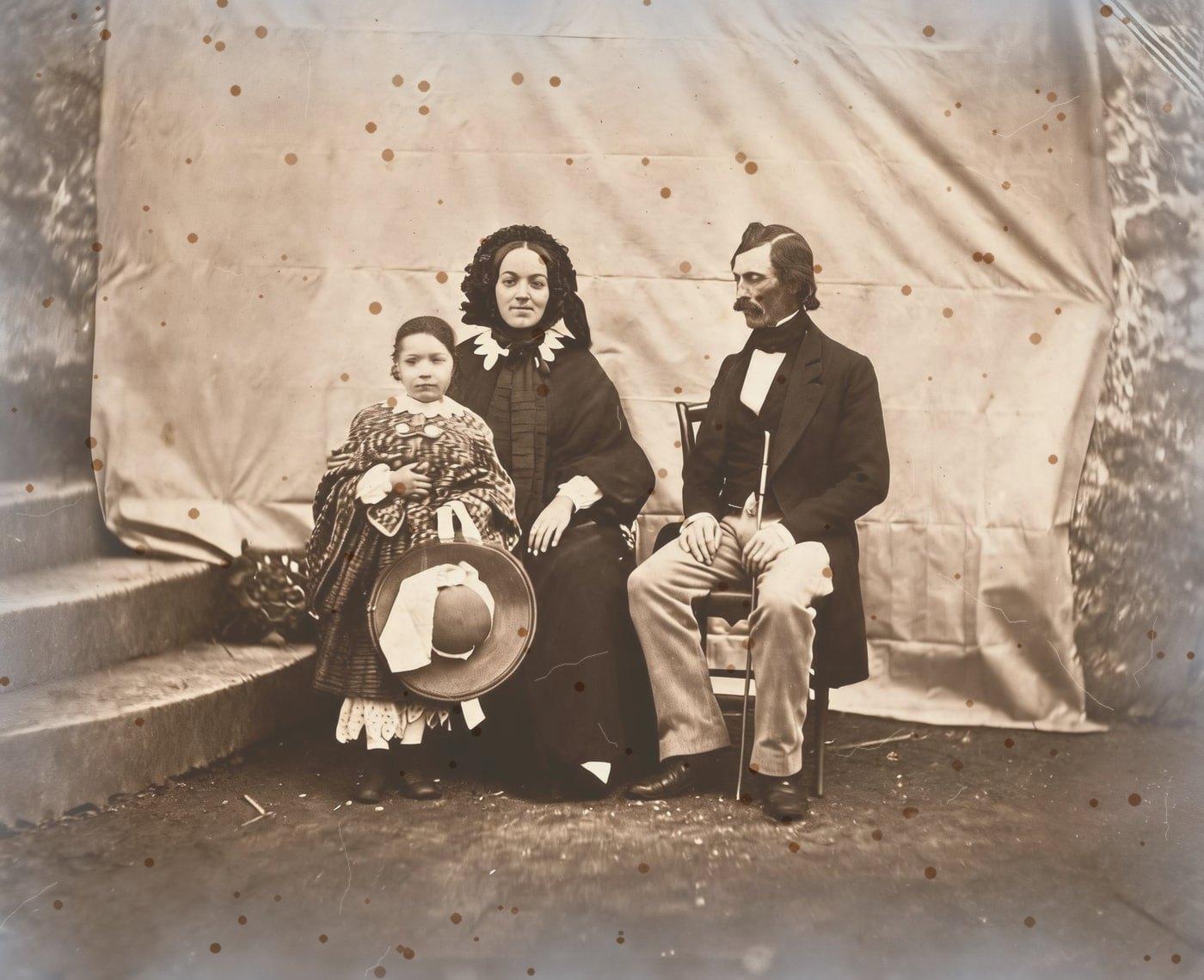
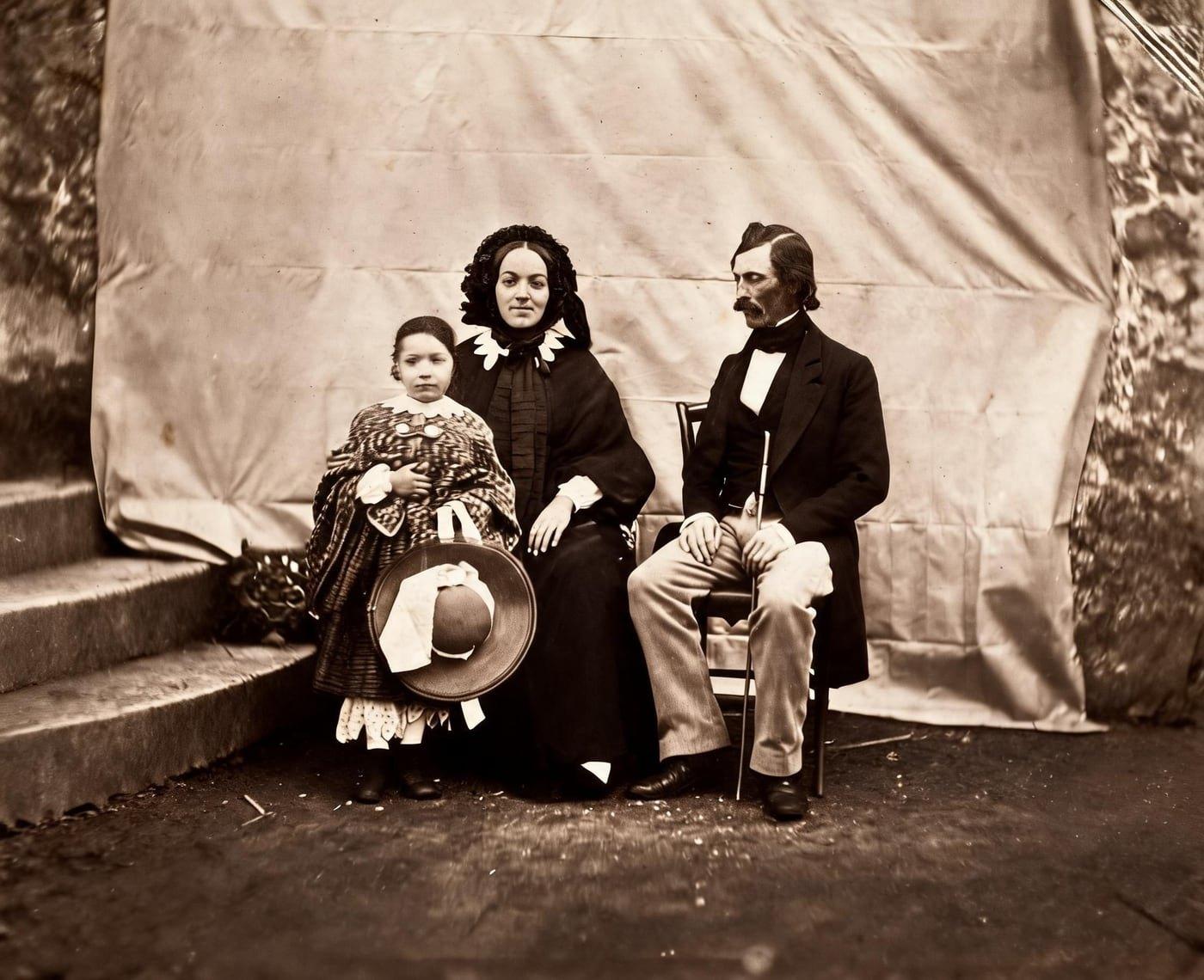
Sepia Photo Restorations Before and After
Drag the handle to compare. This is an illustration, not a result: we added foxing spots, silvering at the edges and fine cracks digitally to an 1854 public-domain family photo, so you can see what the repair aims for. With your own photo, every result is checked against your original before you see it.
The before-and-after illustration on this page shows a sepia print with foxing spots, silvering, and fine cracks added digitally. The after version is the clean photo, with clear details, even contrast, and no marks, keeping a natural photographic appearance.
Restore sepia-toned photos onlineRestore Sepia-Toned Photos Online With AI
Restore Old Photos uses AI to repair sepia-toned photos by reducing scratches, stains, fading, and contrast loss. The Restore tool improves the scanned print while keeping its brown tone or adding color in the same pass.
- per photo
- ≈ 1 min
- per photo
- per photo
- 1 credit
- per photo
- then your upload is deleted
- 24 h
- then your upload is deleted
Sepia Tone Versus Age Discoloration
A deliberate sepia tone is an intentional warm-brown treatment of the whole print, while age discoloration is uneven browning caused by fading, chemical residue, oxidation, moisture, light, or stains.
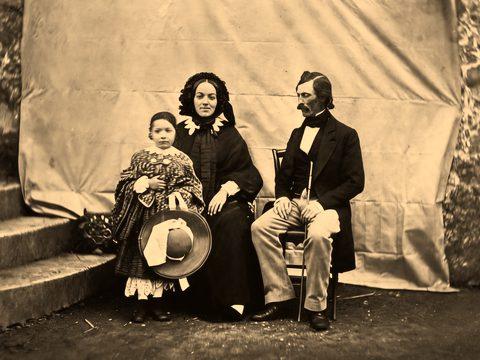
Fig. 3.1 · Illustration Deliberate Sepia Toning
Deliberate sepia toning is a chemical treatment that converts the silver image of a black-and-white print into silver sulfide, which gives the print a warm brown tone and a more stable image, according to “Processing Contemporary Black-and-White Photographic Films and Papers for Maximum Permanence” (CCI Notes 16/6) by Klaus B. Hendriks, revised by Joe Iraci for the Canadian Conservation Institute, 2007. Restore Old Photos keeps that deliberate sepia tone, even while its yellowing repair removes the yellow cast of age, and repairs fading, stains, scratches, and lost detail.
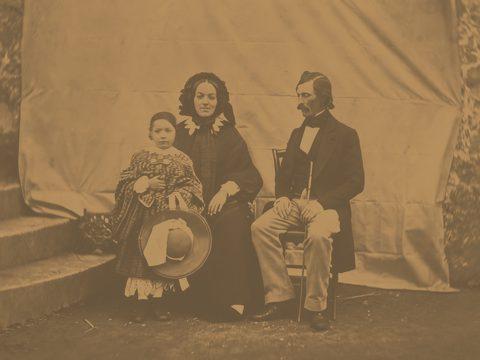
Fig. 3.2 · Illustration Brown Fading on Old Color Prints
Old color prints fade toward a brown or reddish cast because their three image dyes deteriorate at different rates, which leaves an imbalance of color, as the Northeast Document Conservation Center explains in “Session 5: Care and Handling of Photographs” from its Preservation 101 course. Restore Old Photos repairs the resulting fading, stains, and lost contrast while rebuilding damaged detail.
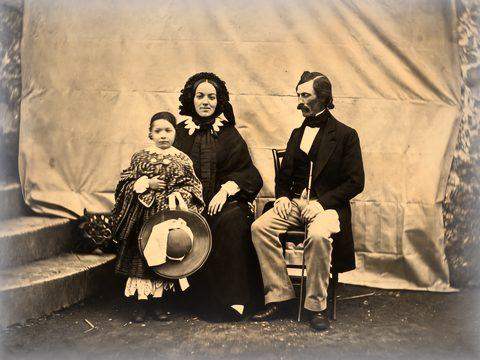
Fig. 3.3 · Illustration Uneven Sepia From Silver Deterioration
Uneven sepia from silver deterioration looks like patchy yellow-brown or reddish discoloration, usually with faded highlights and a bluish metallic sheen in the darker areas and near the edges, according to “PMG Silver Mirroring” by the Photographic Materials Group of the American Institute for Conservation, April 2024. Restore Old Photos corrects the uneven tones, rebuilds faded detail, and repairs the related surface defects.
Three Ways to Restore a Sepia Photo
A restored sepia photo can keep its original warmth, convert to neutral black and white, or gain natural-looking period color.
Keeping the Original Sepia Warmth
The Restore tool repairs the damage on a sepia-toned photo and keeps the print's own warm brown tone.
Converting Sepia to Neutral Black and White
A neutral black-and-white version suits a restored sepia print when the goal is balanced gray tones, the removal of an unwanted brown cast, or a clean base for colorization; any photo editor can make one from the restored file, since Restore Old Photos keeps the sepia tone or adds colour. A separate sepia copy preserves the original warmth of the print.
Adding Color to a Sepia Print
Colorize gives a sepia print natural period color and changes only the color, so the light and shade of the photo stay pixel for pixel. The luma lock in Colorize keeps facial detail and composition exactly as scanned, and the finished photo downloads at full size.
How to Restore a Sepia-Toned Photo Online
Restoring a sepia-toned photo online follows five steps: scan the print in color mode, upload the sepia scan, pick the tone to keep, let the AI rebuild faded highlights, and download the restored print.
Step 1 of 5
Scan the Print in Color Mode
Scan the sepia print in color mode at high resolution to capture its warm brown tones and fine detail. Save the unedited color scan, then upload that file for sepia-toned photo restoration.
Restore sepia-toned photos onlineFig. 1 · The photo you add · illustration Step 2 of 5
Upload the Sepia Scan
Upload the color sepia scan to Restore Old Photos by selecting the image file from your device, one photo per upload. Restore Old Photos shrinks the upload and strips its location data on the device before the repair of fading, scratches, and other damage starts.
Step 3 of 5
Pick the Tone to Keep
Choose Restore to repair the sepia print while keeping its original warm tone. Add color to the same Restore pass to repair the print and give it natural-looking period color at no extra credit.
Step 4 of 5
Let the AI Rebuild Faded Highlights
The Restore Old Photos AI reads the tonal range of the sepia print and uses nearby texture and image context to rebuild faded highlights while reducing scratches, stains, and creases. Review the repaired image before downloading the restored print at full size.
Step 5 of 5
Download the Restored Print
Download the restored sepia print at full size after the AI finishes processing to keep the full-size file, about 2048 pixels on its long side, for printing or archiving. The download option saves the repaired image once the completed restoration has been reviewed.
Restore sepia-toned photos online Same people · checkedFig. 5 · After (illustration)
One Credit per Restored Sepia Photo
Each restored sepia photo costs 1 credit from a credit pack or monthly plan. A result that fails the same-faces check is remade once and then refunded, so a failed result never costs a credit.
How Restore Old Photos Repairs and Recolors a Sepia Print in One Pass
The Restore tool repairs fading, stains, scratches, and creases on a sepia print in one pass. Restore Old Photos makes a faithful version and can add a bolder version, at 1 credit each, and the same Restore pass can add color without using an extra credit.
Sepia Photo Restoration Pricing
1 credit restores one photo, and a second, bolder version is 1 more. Packs start at $2.99, never renew, and their credits never expire.
Pack 01
Starter
A few favourite photos, restored and colorized.
$2.99one-time
60¢ a photo
- 5 photos restored, colorized or enhanced
- Or 1 animated clip
- Full size, no watermark
- Credits never expire
- Never renews
Most chosen
Pack 02
Family
An album's best photos, with a clip of the one you love most.
$7.99one-time
44¢ a photo
- 18 photos restored, colorized or enhanced
- Or 4 animated clips
- Full size, no watermark
- Credits never expire
- Never renews
Pack 03
Archive
For the shoebox in the attic and the family historian.
$19.99one-time
40¢ a photo
- 50 photos restored, colorized or enhanced
- Or 12 animated clips
- Full size, no watermark
- Credits never expire
- Never renews
One-time payments in US dollars. Compare credit packs and monthly plans
Sepia Photo FAQ
Can a Restored Sepia Print Be Turned Into Full Color?
Yes, a restored sepia print can be turned into full color, either directly with Colorize, whose luma lock changes only the color, or by colorizing a neutral black-and-white version of the print.
- Colorizing the Neutral Black-and-White Version: A neutral black-and-white version of a sepia print is colorized by uploading it to Restore Old Photos and choosing Colorize. Colorize estimates plausible colors from the visible subjects, lighting, and tonal detail, so keep the monochrome version as a master because the estimated colors cannot confirm the original colors of the print.
Did Old Photos Look Sepia When They Were New?
Yes, some old photographs had warm sepia tones when new, while others began as neutral black-and-white prints and turned brown with age. Sepia-toned photo restoration brings an old brown-tone print back toward its original look, keeping deliberate warmth and correcting later discoloration.
Will the people still look like themselves?
That is the one thing Restore Old Photos checks on every result. Each one gets a structure score against your original and an AI check that the same people are there, with nothing added or removed. A result that fails is remade once on a backup model; if it still fails, it's dropped and the credit comes back to you.
Where Does the Brown Color in Old Photos Come From?
The brown color in old photos comes from the original print chemistry, such as albumen paper and toned silver images, or from deterioration in which sulfur compounds turn the image silver into yellow or brown silver compounds, as documented in the Canadian Conservation Institute's CCI Notes 16/6 by Klaus B. Hendriks and Joe Iraci, 2007.
- Albumen Prints With a Natural Warm Cast: Albumen prints carry a natural warm cast because their silver image formed in an egg-white-and-salt coating, producing yellow, reddish-brown, or purple-brown tones. The Photographic Materials Group of the American Institute for Conservation notes in “Albumen” (May 2021) that gold toning changed the tone of an albumen print and helped it resist fading.
- Cabinet Cards From the Sepia Era: Cabinet cards were introduced in the United States in 1866 and served as the everyday studio portrait until the end of the 19th century, according to the Los Angeles County Museum of Art's 2021 exhibition “Acting Out: Cabinet Cards and the Making of Modern Photography, 1870–1900”. Many cabinet cards look sepia today because albumen printing produced a warm cast, which age and fading can deepen or alter unevenly.
Is Sepia Fading Different From Yellowing?
Yes, sepia fading weakens the brown image tone of a photograph, while yellowing can come from the paper, residual chemicals, or other materials; light exposure can cause both effects and wash out sepia tones.
- Washed-Out Sepia From Light Exposure: Light exposure washes out a sepia print through cumulative photochemical damage to its image materials. Ultraviolet radiation and prolonged exposure speed up the fading, reducing highlight detail and weakening or unevenly shifting the warm tone.
Why does my sepia photo have a silvery sheen at the edges?
That's silvering: silver in the print rising to its surface over time. It's read as damage and removed, along with any spots or foxing.
What does Restore Old Photos do with the photos I upload?
The original is used only to make your results and is deleted from our servers within 24 hours by an hourly clean-up, or at once if you delete it. Your results stay in your account until you delete them. Before upload, your browser shrinks the photo and strips its location data.
Does Restore Old Photos use my photos to train AI?
No. Restore Old Photos never uses your photos or results to train AI models. They're sent only to the AI providers that restore and check them, whose terms allow them to use what we send only to do that job.
Does Restore Old Photos have a free trial?
No, and so there's no trial to cancel and no weekly plan. You pay per photo with a one-time pack, from $2.99 (from 40¢ a photo), and a result that fails the check never costs a credit: it's dropped and the credit comes back.
What if a result fails?
You don't pay for it. Anything that isn't delivered, including a result held back because it failed our likeness check, is refunded to your balance automatically.