Skip to content
Restore Old Photos

Restore Old Photos With AI: Repair and Colorize Damaged Pictures Online

Bring a scratched, torn or faded family photo back in about a minute, with every face checked to stay the same person.

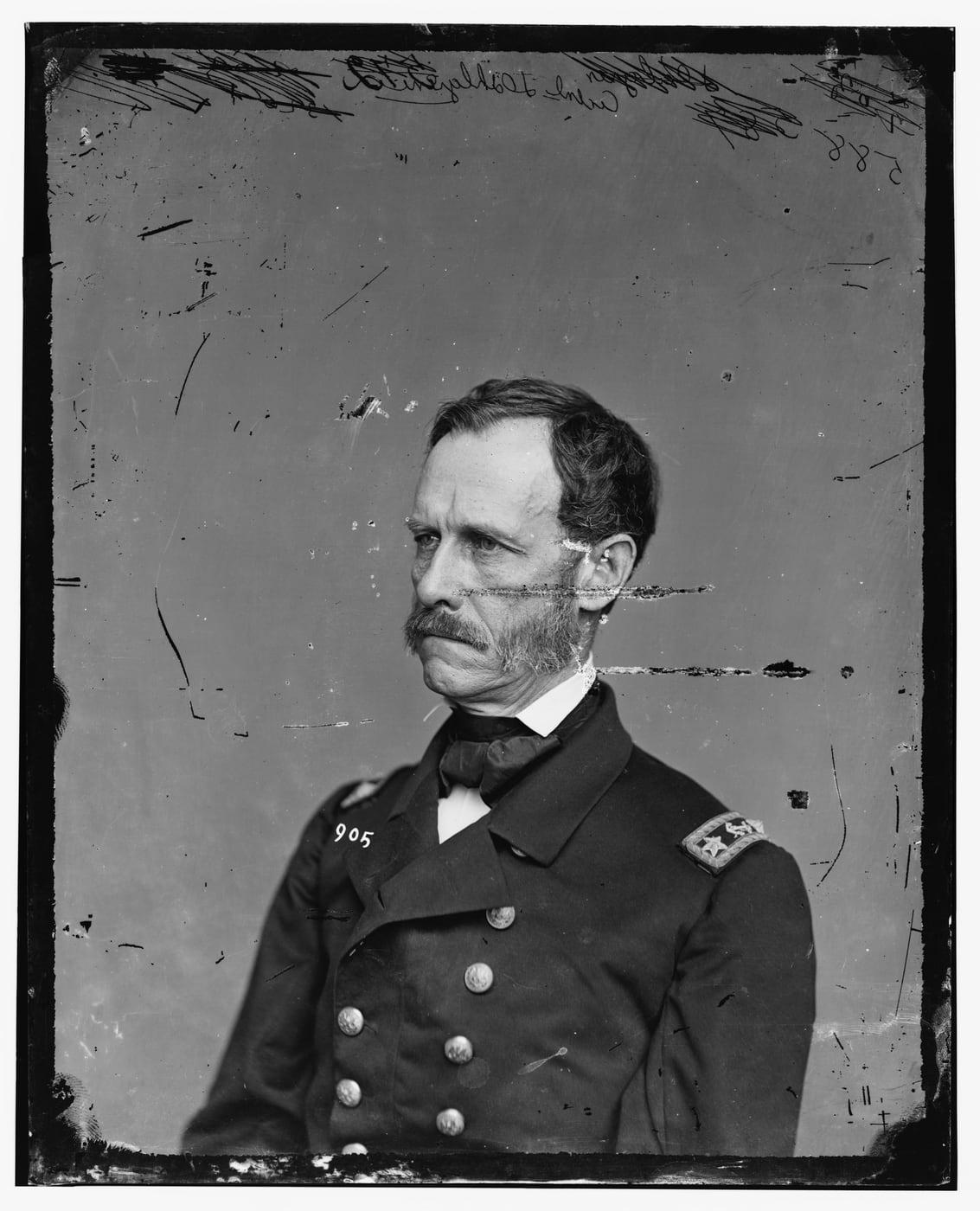
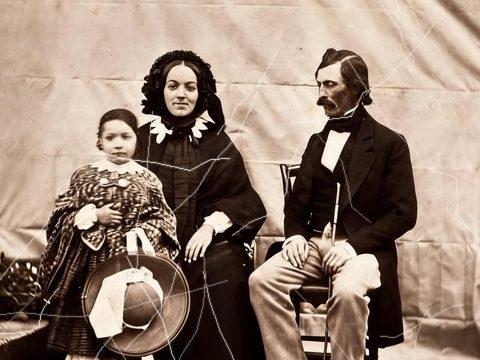
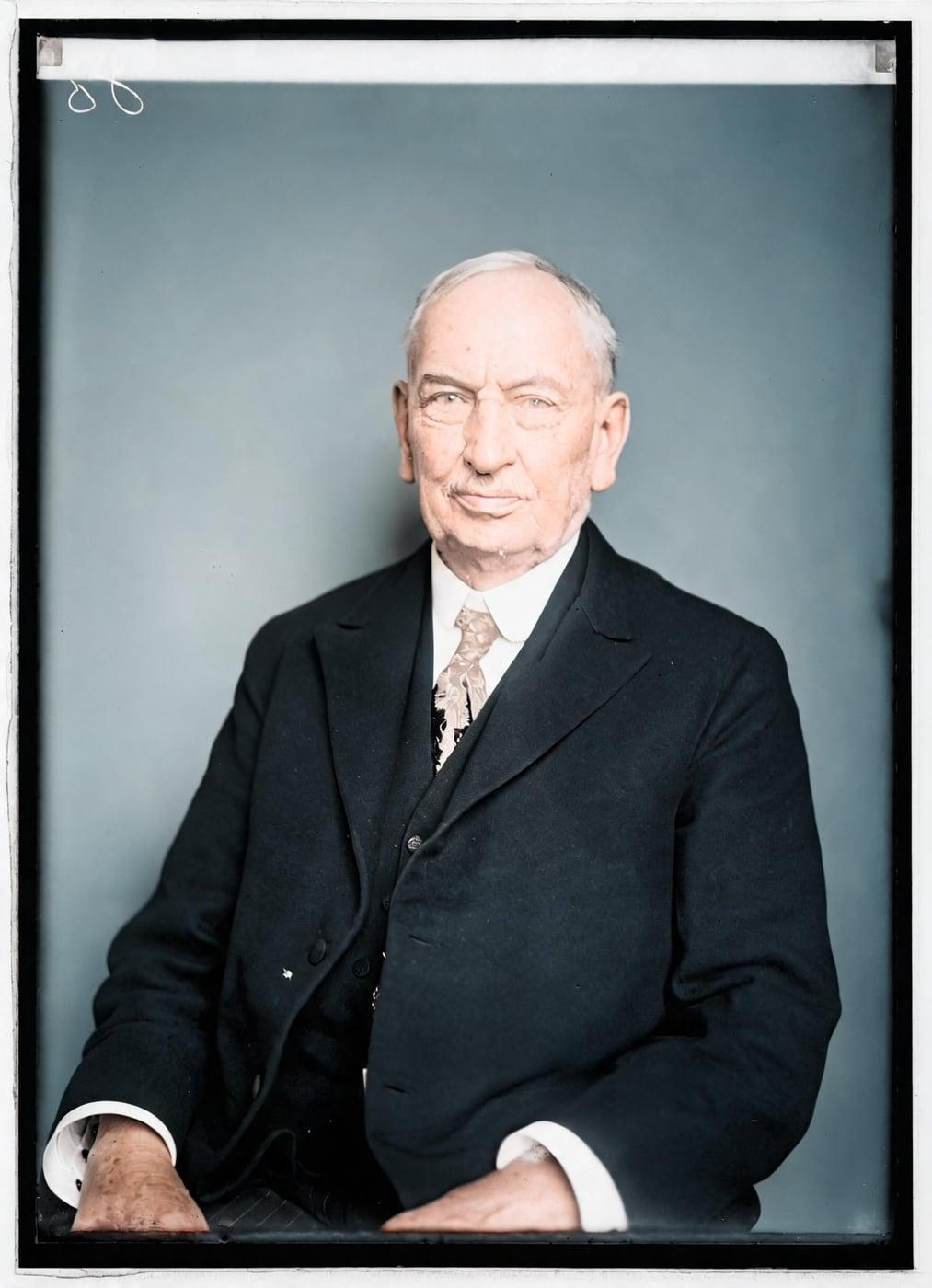
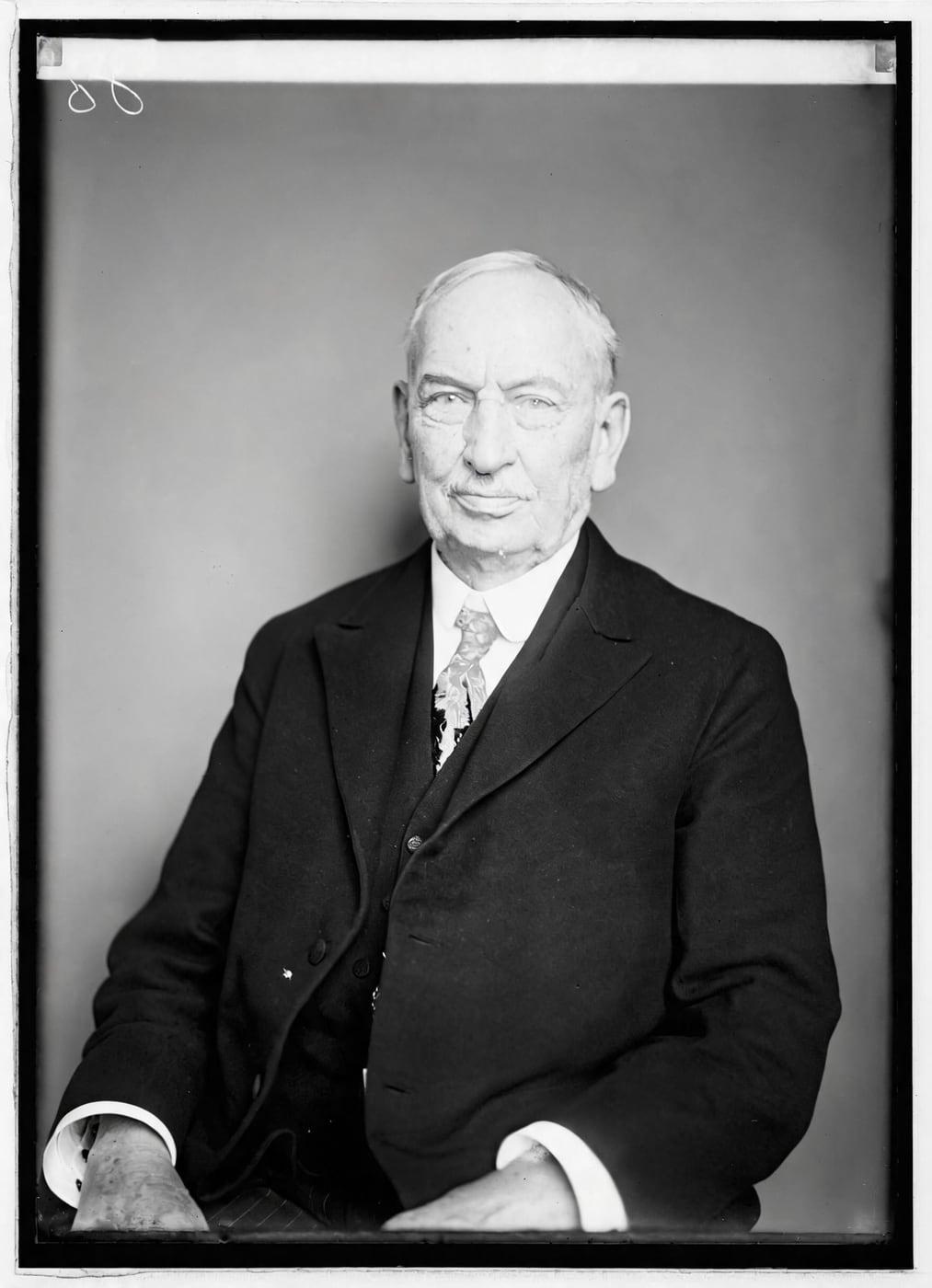
Scratched glass-plate portrait of Rear Admiral John A. Dahlgren, c. 1860–65, before restoration
Fig. A · Before
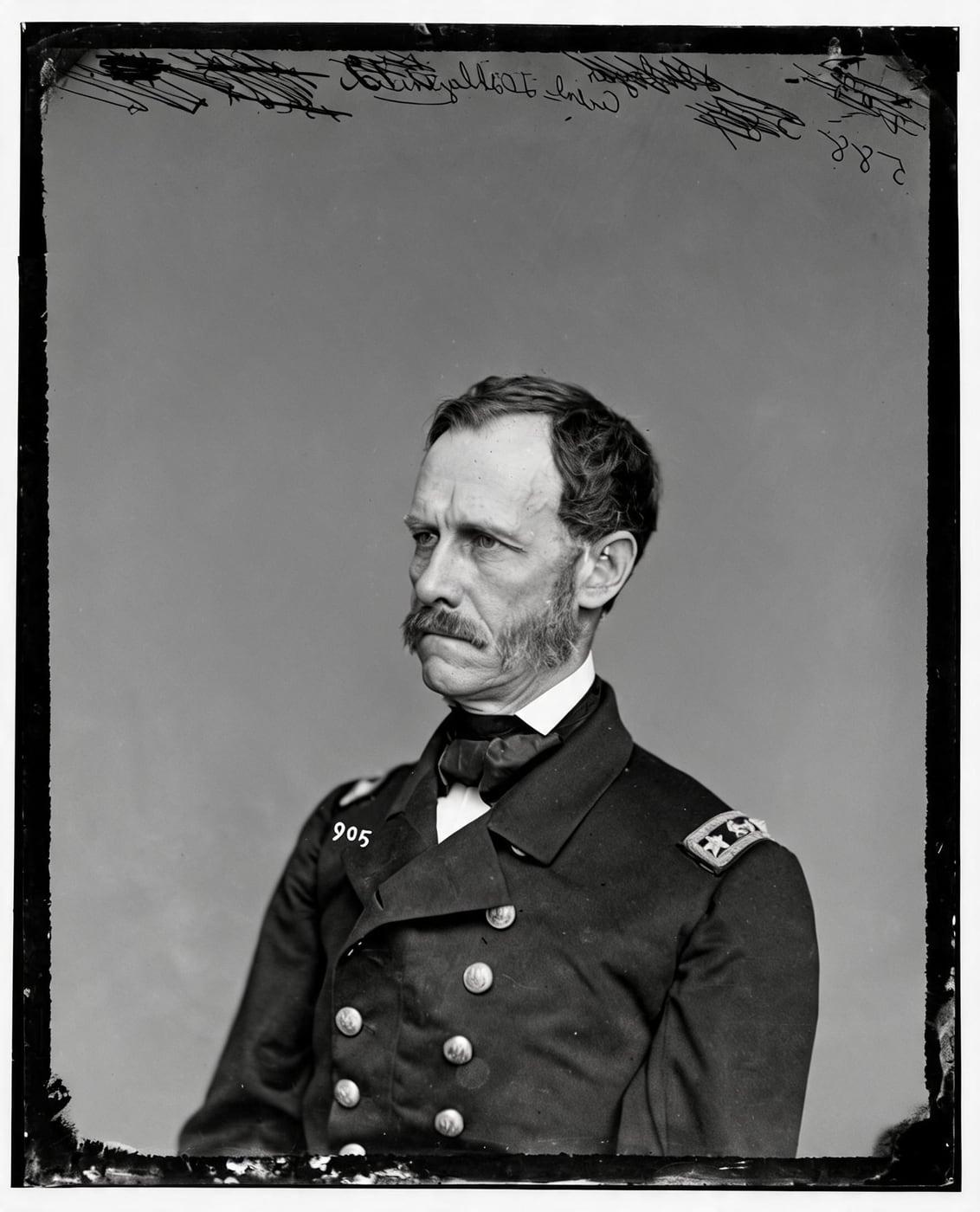
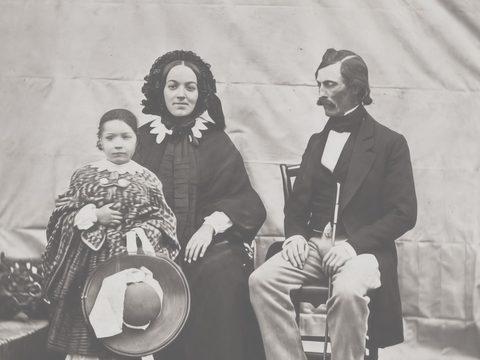
The same portrait of Rear Admiral Dahlgren restored by AI: scratches removed, his face unchanged
Fig. B · Restored

From 40¢ a photo. A result that fails the check never costs a credit.

  • Same faces or credit back
  • Deleted in 24 hours
  • Packs never renew

Upload a Damaged Photo and Download a Restored Copy

Restore Old Photos repairs a damaged old photo with AI from an uploaded scan or phone photograph, then delivers a full-size restored copy to download in about a minute. Restore can colorize the restored image in the same pass at no extra credit, keeping the same faces.

Restore my old photo
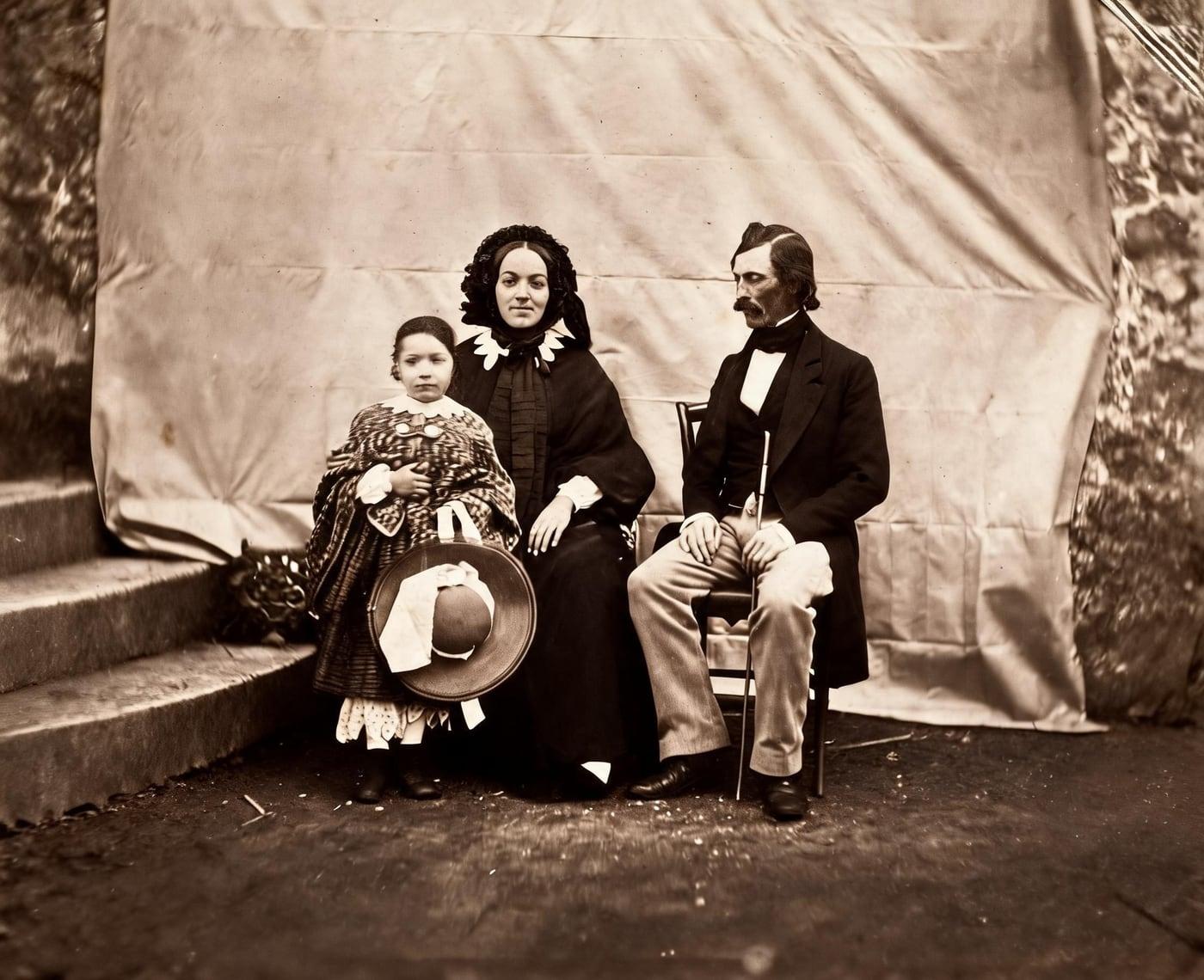
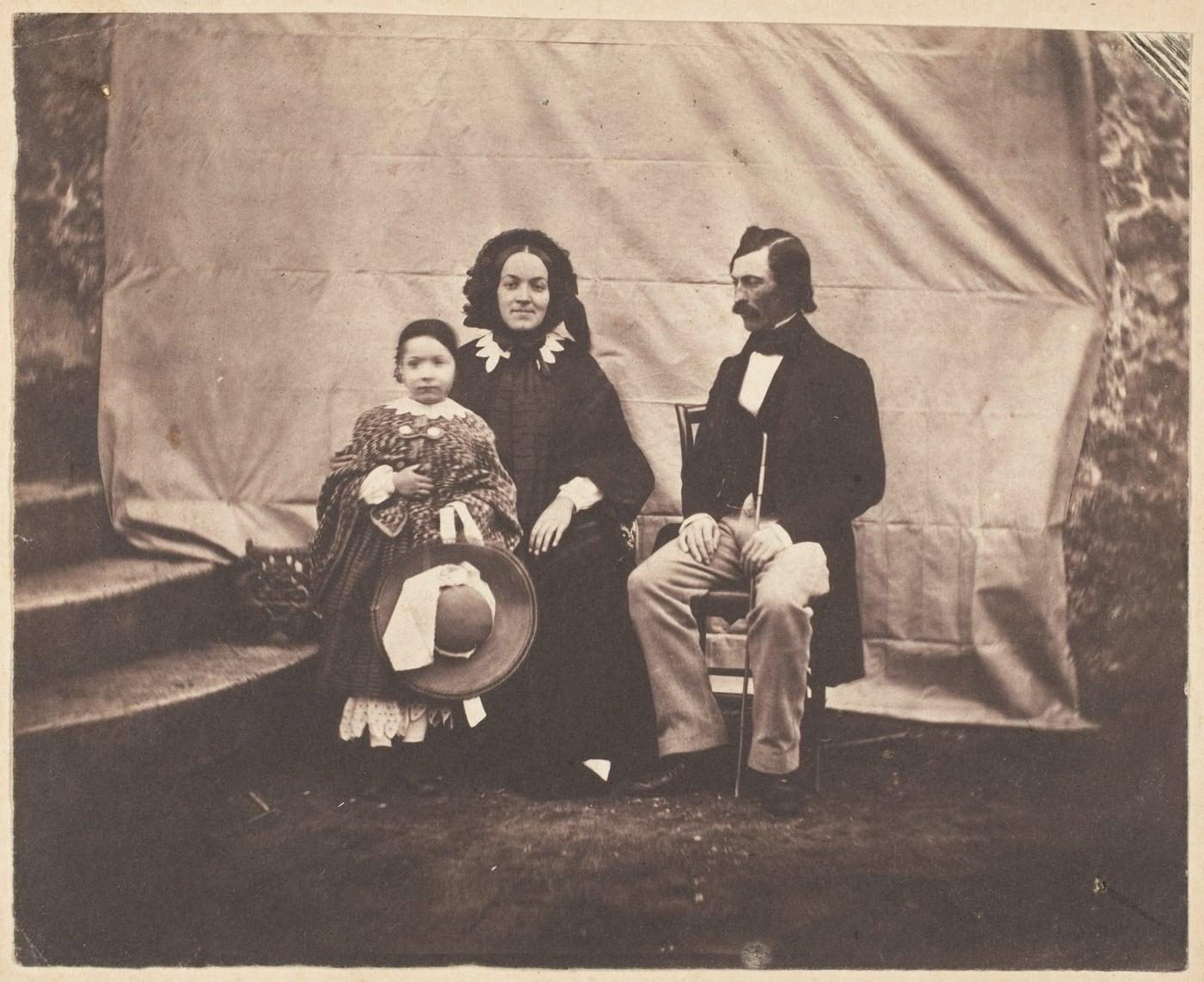
A damaged old group photo, and the same photo restored with every person kept as they were
Example: a public-domain photo restored by this tool

How Do You Restore an Old Photo Online?

To restore an old photo online, follow four steps: scan or photograph the print, upload the image file, choose a restoration mode, then compare and download the restored copy.

  1. Step 1 of 4

    Scan or Photograph the Original Print

    To scan or photograph the original print, use a flatbed scanner for an evenly lit digital copy, or photograph the print straight from above in bright, indirect light.

  2. Step 2 of 4

    Upload the Photo File

    To upload the photo file, select the scanned photo in JPEG, PNG, WebP, or HEIC format from your device or drag it into the upload area.

  3. Step 3 of 4

    Choose the Restoration Mode

    To choose the restoration mode, pick Restore to repair damage, Colorize to add color to black-and-white or sepia photos, Enhance to sharpen and enlarge a scan, or Animate to create a moving clip.

  4. Step 4 of 4

    Download the Restored Photo at Full Size

    To download the restored photo at full size, compare the restored photo with the original on the before-and-after slider, then download the full-size result, about 2K (2048 px on its long side), ready to print.

Can You Restore a Whole Album at Once?

No, Restore Old Photos restores a whole album one photo at a time, with each photo taking about a minute. A larger credit pack or a monthly plan provides the credits for restoring an album photo by photo.

Which Types of Photo Damage Can Restore Old Photos Repair?

The types of photo damage that AI photo restoration repairs are scratches, tears, creases, fading, yellowing, water damage, mold damage, and missing parts.

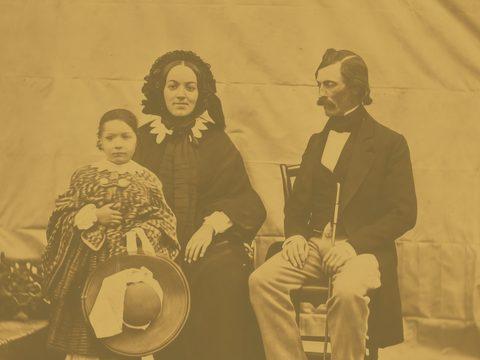
  • Illustration of scratched photos, added digitally to a public-domain photo
    Fig. 3.1 · Illustration

    Scratched Photos

    Scratches on an old photo appear as thin lines, scuffs, or abrasions across the print surface.

  • Illustration of torn photos, added digitally to a public-domain photo
    Fig. 3.2 · Illustration

    Torn Photos

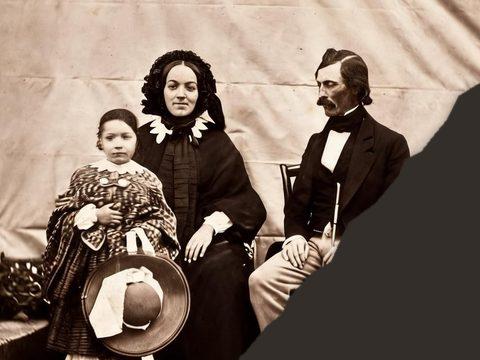
    Tears on an old photo appear as splits, separated edges, or missing strips, and the AI photo repair reconnects the visible image details and fills small gaps.

  • Illustration of creased photos, added digitally to a public-domain photo
    Fig. 3.3 · Illustration

    Creased Photos

    Creases on an old photo appear as folds, wrinkles, or lines that distort the image and interrupt the print surface.

  • Illustration of faded photos, added digitally to a public-domain photo
    Fig. 3.4 · Illustration

    Faded Photos

    Faded photos look pale, washed out, and low in contrast as their tones and colors weaken over time.

  • Illustration of yellowed photos, added digitally to a public-domain photo
    Fig. 3.5 · Illustration

    Yellowed Photos

    Yellowed photos carry a yellow or brown cast across the whole image, caused by chemical deterioration, acidic materials, heat, humidity, light exposure, or poor processing.

  • Illustration of water-damaged photos, added digitally to a public-domain photo
    Fig. 3.6 · Illustration

    Water-Damaged Photos

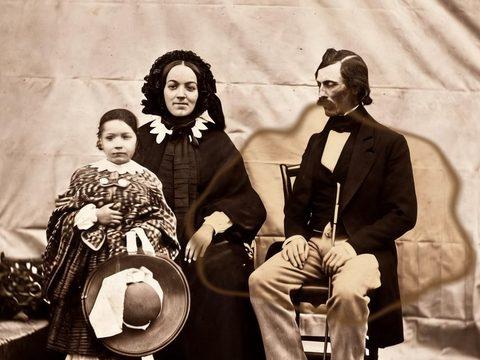
    Water damage on an old photo leaves tide marks, blotches, stains, color bleeding, warped paper, or a swollen image layer.

  • Illustration of mold-damaged photos, added digitally to a public-domain photo
    Fig. 3.7 · Illustration

    Mold-Damaged Photos

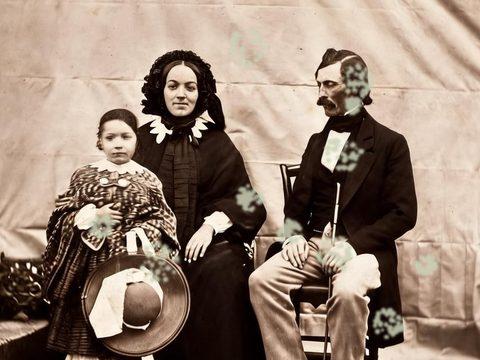
    Mold damage on an old photo appears as fuzzy growth when active, or as powdery residue and stains when dormant, and an AI restore reduces the visible mold marks in the scanned copy but cannot remove mold from the print.

  • Illustration of photos with missing parts, added digitally to a public-domain photo
    Fig. 3.8 · Illustration

    Photos With Missing Parts

    Photos with missing parts show holes, clipped edges, or sections where the subject or background has torn away.

Does Your Photo Have More Than One Kind of Damage?

Yes, one Restore pass repairs multiple kinds of damage on the same photo, including scratches, tears, creases, fading, stains, water marks, mold marks, and missing areas.

Restore my old photo

Which Kinds of Old Photos Can You Restore?

The kinds of old photos that Restore Old Photos restores are black-and-white and color prints, Polaroids, tintypes, slides, negatives, daguerreotypes, ambrotypes, cabinet cards, and other scanned photographs.

  1. Black and White Prints

    Restore Old Photos repairs scratches, tears, creases, stains, fading, and other visible damage on black-and-white prints while keeping their monochrome appearance.

  2. Polaroids

    Restore Old Photos corrects fading, yellow color casts, low contrast, scratches, dust, and mild softness in scanned Polaroids while keeping the image and its white border.

  3. Tintypes

    A tintype is a monochrome photograph made on a dark-coated iron or metal plate, sometimes with hand-applied color.

  4. Slides and Negatives

    Slides and film negatives are first scanned into a positive digital image file before upload.

A black and white photo, and the same photo in natural colour
Example: a public-domain photo restored by this tool

Colorize Black and White Photos Online

The Colorize tool adds natural-looking, period-plausible color to black-and-white and sepia photos.

Correcting Faded Color Prints

Faded color prints are corrected by Restore, which repairs the fading while keeping the photo’s existing color information. Colorize adds estimated color to black-and-white and sepia photos rather than restoring faded color prints.

Colorizing Old Family Portraits

Colorized old family portraits keep the original faces, expressions, pose, and composition, while AI colorization adds natural-looking period color. The added colors are plausible interpretations, not a historical record, because black-and-white photographs do not contain the original hues.

Colorize black and white photos

How Does AI Enhance Old Photos?

AI enhancement improves old photos through the Enhance tool, which sharpens faces and enlarges small or soft scans while keeping the image’s visible structure.

  • Face Enhancement for Old Portraits

    Face enhancement for old portraits sharpens the faces in a scan while keeping the facial structure and identity visible in the original.

  • Sharpening Blurry Photos

    Enhance sharpens a blurry old photo by clarifying edges and recovering apparent detail lost to mild camera shake, motion blur, or missed focus.

  • Removing Film Grain

    Film grain appears as a fine, speckled texture across an old photo and can become more noticeable in low-quality scans.

  • Upscaling Photos for Large Prints

    Enhance enlarges a small photo scan by up to 4×, adding the resolution needed for a large print.

Photo enhancer

Why Do Families Choose Restore Old Photos?

Families choose Restore Old Photos because of the five advantages covered below.

  1. Faces Stay True to the Original Person

    Restore Old Photos checks every result against the original for the same people, remakes a failing result once, then drops it and refunds the credit.

  2. One Pass Repairs Every Kind of Damage

    One Restore pass repairs scratches, tears, stains, creases, and fading, with a faithful or a bolder restoration version.

  3. Print-Ready Full-Size Downloads

    Every restored photo from Restore Old Photos downloads at full size, about 2K (2048 px on its long side), ready to print.

  4. An AI-Restored Label on Every Download

    Every restored photo download carries an “AI-restored” label in its metadata, identifying the file as AI-processed.

  5. Your Photos Never Train the AI

    Restore Old Photos never uses uploaded photos or restoration results to train AI models.

How Accurate Is AI Photo Restoration?

AI photo restoration is most accurate where the scan retains visual information, because intact outlines, textures, and tones guide the damage repair.

Note 01

Which AI Models Rebuild Damaged Photos?

The AI models that rebuild damaged photos include convolutional neural networks, encoder–decoder networks, generative adversarial networks, transformers, and diffusion models.

Note 02

Does AI Restoration Change Faces?

Yes, AI restoration can change facial details, especially when a face is small, heavily damaged, or partly missing.

Note 03

What Can AI Not Fix in an Old Photo?

AI photo restoration cannot recover image details that were never captured or that have been completely destroyed.

How Much Does It Cost to Restore an Old Photo?

Restoring an old photo costs 1 credit from a credit pack or a monthly plan. An animated clip costs 4 credits.

  • Pack 01

    Starter

    A few favourite photos, restored and colorized.

    $2.99one-time

    60¢ a photo

    • 5 photos restored, colorized or enhanced
    • Or 1 animated clip
    • Full size, no watermark
    • Credits never expire
    • Never renews
  • Most chosen

    Pack 02

    Family

    An album's best photos, with a clip of the one you love most.

    $7.99one-time

    44¢ a photo

    • 18 photos restored, colorized or enhanced
    • Or 4 animated clips
    • Full size, no watermark
    • Credits never expire
    • Never renews
  • Pack 03

    Archive

    For the shoebox in the attic and the family historian.

    $19.99one-time

    40¢ a photo

    • 50 photos restored, colorized or enhanced
    • Or 12 animated clips
    • Full size, no watermark
    • Credits never expire
    • Never renews

One-time payments in US dollars. Compare credit packs and monthly plans

Are Your Family Photos Safe When You Upload Them?

Yes, your family photos are safe when you upload them to Restore Old Photos, which shrinks each image and removes its location data before upload, encrypts the transfer, and deletes uploaded originals within 24 hours or on request.

  • Encrypted Photo Uploads

    Encrypted photo uploads start in your browser, which shrinks the photo and removes embedded location data before the upload. Restore Old Photos encrypts the photo during transmission to protect the file in transit.

  • Automatic Photo Deletion

    Restore Old Photos deletes uploaded originals from its servers within 24 hours, or immediately on request. Restored results remain in the user’s account until the user deletes them.

How Does AI Restoration Compare to the Alternatives?

AI restoration compares to the alternatives as a fast, lower-cost option for routine repairs, and the comparisons below set it against a professional restoration artist and two other AI photo tools.

  • Comparison 01

    AI Restoration vs a Professional Restoration Artist

    AI restoration differs from a professional restoration artist in speed and cost: AI photo restoration produces a digital result in about a minute for one credit, while professional restoration takes longer and costs more per image.

  • Comparison 02

    Restore Old Photos vs Remini

    Restore Old Photos differs from Remini by focusing on repairing scanned old photos, checking that restored images keep the same people, and providing full-size downloads.

  • Comparison 03

    Restore Old Photos vs MyHeritage Photo Enhancer

    Restore Old Photos differs from MyHeritage Photo Enhancer by repairing damage while preserving the original image, whereas MyHeritage Photo Enhancer uses AI to upscale photos, with the strongest results on small, blurry faces in historical photos, and leaves colorization and photo repair to separate tools.

Restore Your First Old Photo Now

Upload one old photo now to restore it online with Restore Old Photos. Restore Old Photos repairs and colorizes the scan in about a minute and returns a full-size copy that keeps the same faces.

Restore my old photo

How Do You Digitize Old Photos Before Restoring Them?

To digitize an old photo before restoring it, use a flatbed scanner or a phone camera, then restore the resulting image file online.

  • What DPI Should You Scan Old Photos At?

    The right DPI for scanning old photos is 400 pixels per inch (PPI, commonly called DPI) or higher, with 600 PPI for small, damaged, or enlarged photos. The U.S. National Archives sets a minimum of 400 ppi sized to the source document for photographic prints with fine detail, in “Digitizing Records: Requirements for Paper and Photographs”, June 2023.

  • Should You Use a Scanner or a Phone?

    A flatbed scanner gives the more even, consistent copy of a flat, undamaged photo. A phone camera suits fragile, curled, mounted, or oversized prints; use diffuse light, avoid glare, and hold the camera parallel to the photo.

Settings, resolutions and fragile prints, in full: How to Scan Old Photos for the Best Restoration

Old Photo Restoration FAQ

The old photo restoration FAQ answers common questions about AI chat tools, pharmacy photo services, the difference between restoration and enhancement, and what else to do with old family photos.

Can ChatGPT Restore an Old Photo?

Yes, ChatGPT can restore an old photo by editing an uploaded image from written instructions to repair or colorize it, but the generated details may be reconstructed rather than recovered. OpenAI’s “Image generation” guide states that OpenAI image models can “modify existing images using a new prompt, either partially or entirely.” Restore Old Photos, by contrast, checks every result against the original for the same people and refunds a result that fails.

Does Walgreens Restore Old Photos?

No, Walgreens Photo does not list photo restoration among its photo services. The Walgreens Photo “Home Movie & Print Digitization” page offers transfers of photo prints, negatives, and slides to USB, with no restoration or retouching listed. To repair a scan of the print online, upload it to Restore Old Photos.

Is Photo Restoration the Same as Photo Enhancement?

No, photo restoration is not the same as photo enhancement: restoration repairs damage such as scratches, creases, stains, fading, and tears, while enhancement improves clarity through sharpening, noise reduction, contrast adjustment, or upscaling. In Restore Old Photos, the Restore tool addresses deterioration, while the Enhance tool refines image quality and may add or accentuate details absent from the original scan.

Same faces, or your credit back

Bring back the photo. Keep the faces.

Restore your photo