Note 01
It can't add detail the camera never caught
A face that's a few blurry pixels stays a soft face, only cleaner. We keep face creativity at zero so the enhancer doesn't make up a sharper stranger.
Restore Old Photos / Photo enhancer
Make a small or soft scan sharper and up to 4 times larger, ready to print. A precision model with face creativity set to zero sharpens what's there and never invents new features.
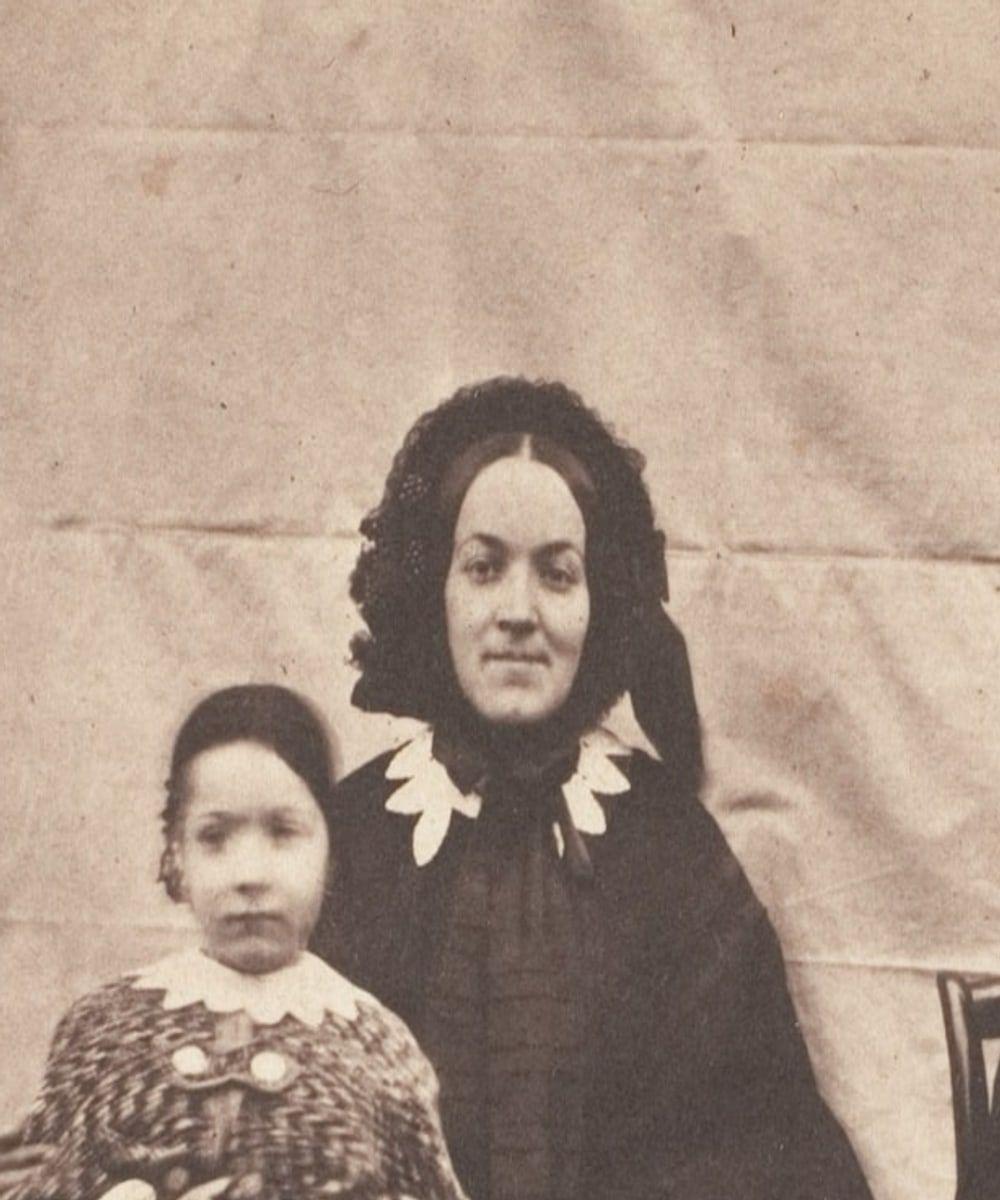
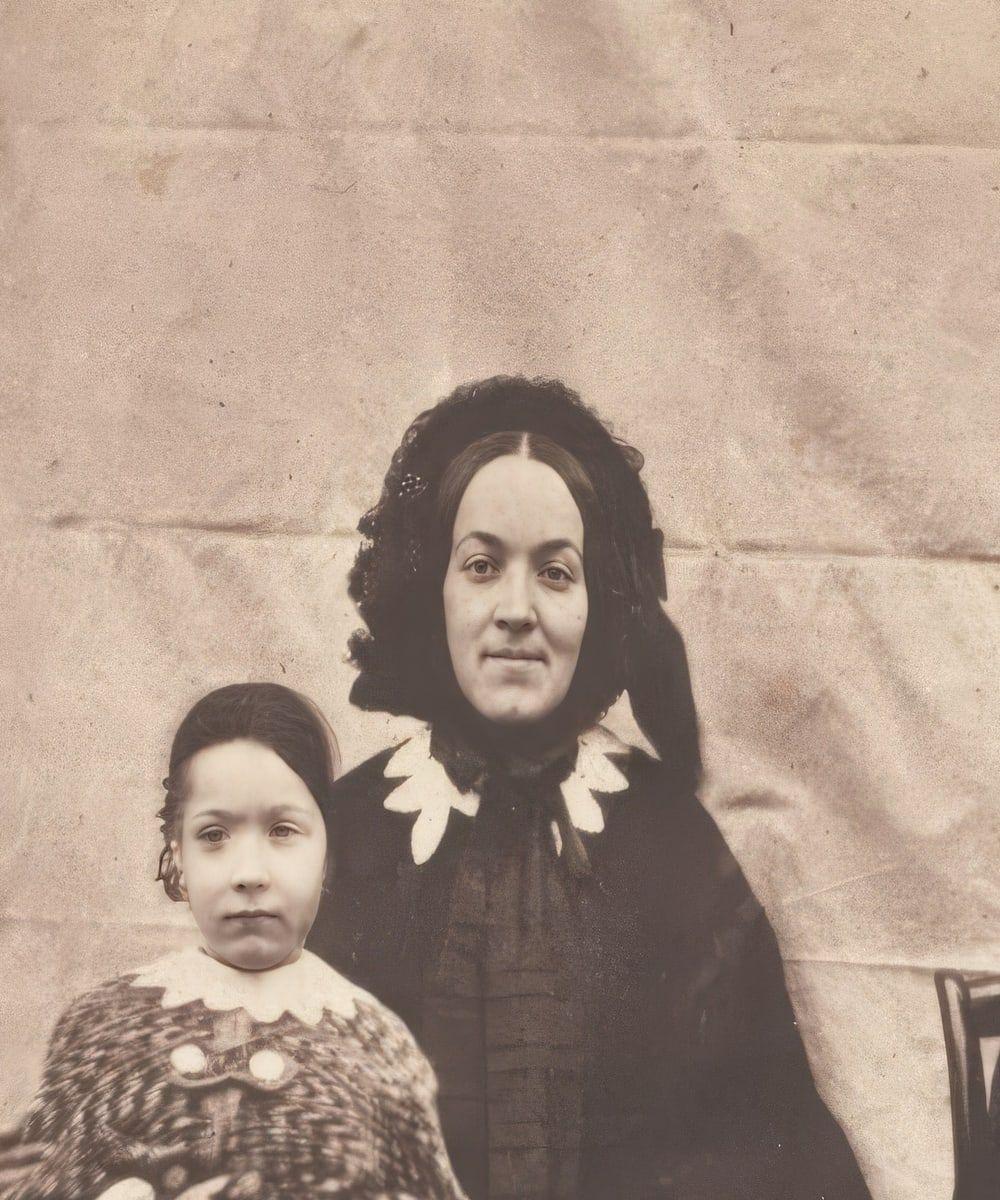
Drag the handle to compare. Faces and edges are crisper and the photo is larger, but nothing has moved: the result is checked against your original before you see it.
Enhance works on what the photo holds. For a print with scratches or tears, restore it first, then enhance the restored result.
Enhance my photoThree steps, about a minute.
Step 1 of 3
It works best on a photo that's small or soft but not damaged. Scan the print rather than photographing a screen, so there's real detail to work with.
Step 2 of 3
Faces and edges are sharpened and the photo is enlarged up to 4 times, then checked against your original to make sure nothing has moved or been added.
Step 3 of 3
Slide between before and after, keep it full size, and print it. The file says in its metadata that it was enhanced with AI.
Nothing moved · checkedSharper is not the same as more accurate. Here is where the line is.
Note 01
A face that's a few blurry pixels stays a soft face, only cleaner. We keep face creativity at zero so the enhancer doesn't make up a sharper stranger.
Note 02
Enhance sharpens what's there, scratches included. Restore a damaged print first, then enhance the result.
Note 03
Even 4 times larger, a thumbnail is still small. Scanning the print at a higher resolution gives the enhancer far more to work with.
1 credit enhances one photo. Packs start at $2.99, never renew, and their credits never expire.
Pack 01
Starter
A few favourite photos, restored and colorized.
$2.99one-time
60¢ a photo
Most chosen
Pack 02
Family
An album's best photos, with a clip of the one you love most.
$7.99one-time
44¢ a photo
Pack 03
Archive
For the shoebox in the attic and the family historian.
$19.99one-time
40¢ a photo
One-time payments in US dollars. Compare credit packs and monthly plans
Up to 4 times larger. It uses a precision model with face creativity turned to zero, so faces get sharper without new features being invented.
If the print is damaged, yes. Enhance sharpens what's there, scratches included, so restore first and then enhance the restored result.
No. The result keeps the original's composition, framing, borders and any handwriting (unless you tick Remove handwriting), at the same shape. A result that moves or crops anything fails the structure check.
Yes. Every image you download from Restore Old Photos carries an AI-restored label in its metadata (the IPTC digital source type, plus a line saying which tool made it and when). Clips are labelled as AI animations.
The original is used only to make your results and is deleted from our servers within 24 hours by an hourly clean-up, or at once if you delete it. Your results stay in your account until you delete them. Before upload, your browser shrinks the photo and strips its location data.
No. Restore Old Photos never uses your photos or results to train AI models. They're sent only to the AI providers that restore and check them, whose terms allow them to use what we send only to do that job.
No, and so there's no trial to cancel and no weekly plan. You pay per photo with a one-time pack, from $2.99 (from 40¢ a photo), and a result that fails the check never costs a credit: it's dropped and the credit comes back.
You don't pay for it. Anything that isn't delivered, including a result held back because it failed our likeness check, is refunded to your balance automatically.